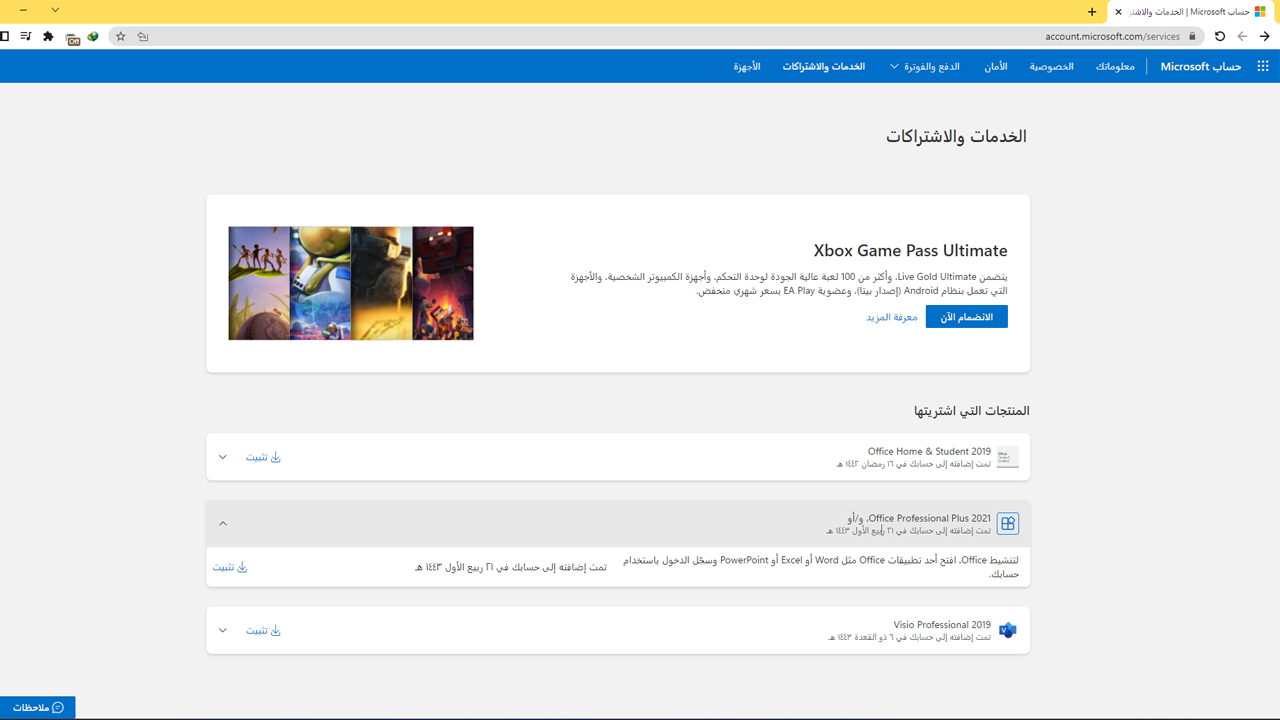
This version is considered one of the best versions we have because, in short, it is added to your personal account with Microsoft
What do you benefit from linking the Office key to your email?
The benefit of linking the Office key to your email is that activating Microsoft Office will not lose it in the future, as it will remain for life on your personal email, unlike the Office versions that are not linked, and you may lose it!
Now that you know the feature of linking to your email, we come to the method of linking the key and downloading Office after linking it
First: Enter this Microsoft page https://redeem.microsoft.com via a browser
Second: Log in with your Microsoft email and password
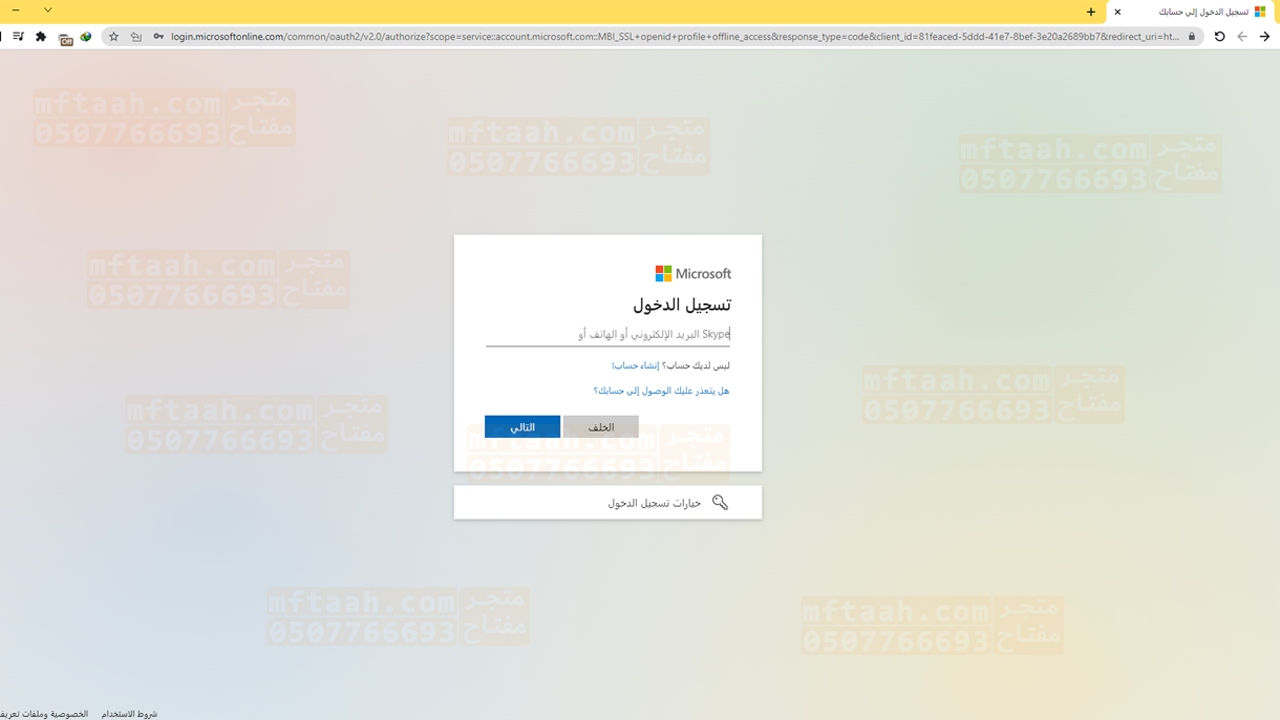
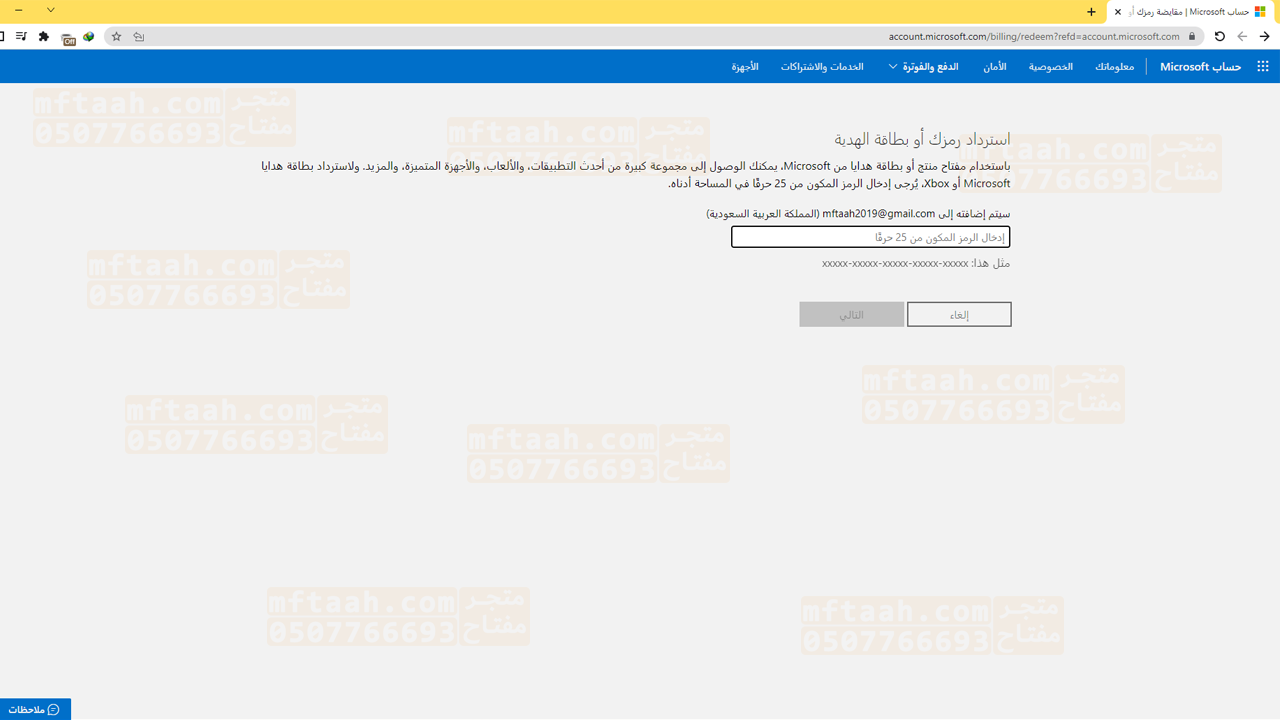
Third: After logging in, a small rectangle will appear for you to add the key that was sent to you by text message
Note: (it is better to copy and paste the key) to avoid typing it wrong
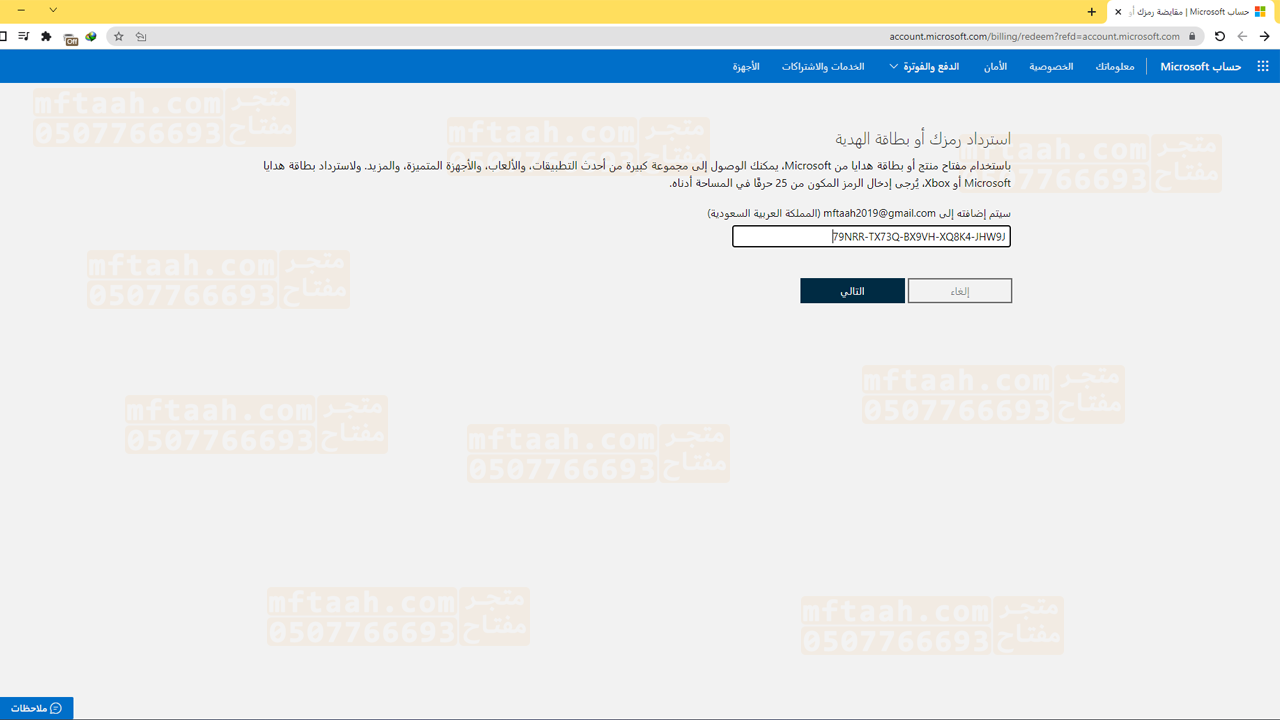
Fourthly: After adding the key, the Microsoft website will recognize the key, and you will see the (Next) option. Click on it until it tells you that it has been added
Fifth: After he gives you that the key has been added, enter the Services and Subscriptions page https://account.microsoft.com/servies
Finally: After entering the Services and Subscriptions page, it will appear that you have added an Office subscription to your account in the Products that you purchased field. Click on install and the installation is done