
Hello, I swear.. God bless you in Muftah store!
"With Key Store, buy and feel comfortable"
ــــــــــــــــــــــــــــــــــــــــــــــــــــــــــــــــــــــــــــــــــــ
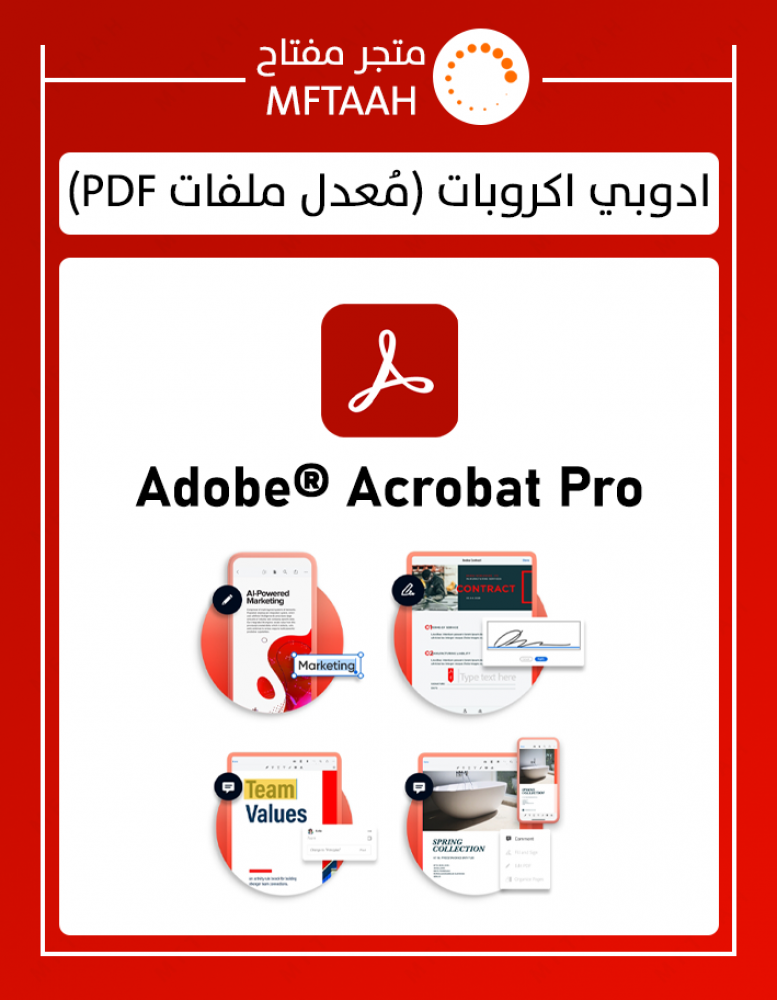
Activate and activate Adobe Acrobat 2024
Stay connected to your documents, teams, and PDF tools across desktop, web, and mobile with the world's most complete PDF solution.
- Acrobat Pro includes:
- Acrobat Pro
- Acrobat Reader
- Adobe Scan
- Fill & Sign
- Adobe Express
- 100 GB of cloud storage
- Detailed lessons
- Adobe Fonts
- Access the latest features
- Works on two devices (Windows, Mac, iPad)
- Adobe Acrobat allows you to create and edit PDF files
- A one-year subscription linked to your personal email along with an official invoice from Adobe sent to your email.
- The subscription is linked to your personal email within 0-6 hours of the payment process, and in many cases it is sent immediately.
- There are two options you can choose: Acrobat Standard or Acrobat Pro
- What is the difference between Acrobat Standard and Acrobat Pro? 👇
Most important features
Pro (✅) | Standard (✅) ⬅️Edit text and images, rearrange and delete pages in PDF
Pro (✅) | Standard (✅) ⬅️Convert PDF files and export to Word, Excel and PowerPoint
Pro (✅) | Standard (✅) ⬅️Easy to create, fill out, sign and send forms
Pro (✅) | Standard (✅) ⬅️Sign documents, request signatures, and track responses in real time
Pro (✅) | Standard (✅) ⬅️Add security and protect PDF files with password
Pro (✅) | Standard (✅) ⬅️Work on Windows operating system
Pro (✅) | Standard (❌) ⬅️Works on MacOS
Pro (✅) | Standard (❌) ⬅️ Convert scanned documents into editable and searchable PDF documents
Pro (✅) | Standard (❌) ⬅️Redaction to permanently remove sensitive visual information
Pro (✅) | Standard (❌) ⬅️Compare two versions of a PDF file to review all the differences
Pro (✅) | Standard (❌) ⬅️ Add a logo to brand your agreements and upload existing PDF forms to create web forms instantly
Interact with PDF files
Pro (✅) | Standard (✅) ⬅️View, interact with, and comment on PDF content from your computer, mobile device, or web browser
Pro (✅) | Standard (✅) ⬅️Store, manage and share files online with instant access to files across devices
Pro (✅) | Standard (✅) ⬅️ Track activity across desktop, mobile and web for documents sent for viewing, review and signatures purposes
Pro (✅) | Standard (✅) ⬅️ Access, edit, and store files in your Box, Dropbox, Google Drive, and Microsoft OneDrive accounts
Pro (✅) | Standard (✅) ⬅️Level up your productivity on the latest Windows touch devices, including Surface Pro
Pro (✅) | Standard (❌) ⬅️Compare two versions of a PDF file to review all the differences
Pro (✅) | Standard (❌) ⬅️Measure the distance, area, and perimeter of objects in PDF files
Create PDF files
Pro (✅) | Standard (✅) ⬅️Convert documents and images to PDF files
Pro (✅) | Standard (✅) ⬅️Create PDF files from any application that can be printed through
Pro (✅) | Standard (✅) ⬅️Create, protect, and send PDF files in popular Microsoft 365 apps for Windows
Pro (✅) | Standard (✅) ⬅️Combine multiple documents and file types into one PDF file
Pro (✅) | Standard (✅) ⬅️Convert web pages into interactive PDF files, complete with links
Pro (✅) | Standard (✅) ⬅️Prevent others from copying or editing information in PDF files
Pro (✅) | Standard (✅) ⬅️Create a password-protected PDF file
Pro (✅) | Standard (✅) ⬅️Recognize text in scans, then preview and correct suspicious errors by viewing them side-by-side
Pro (✅) | Standard (✅) ⬅️ Automatically correct document images to remove backgrounds and adjust perspective
Pro (✅) | Standard (✅) ⬅️Convert Adobe Photoshop (PSD), Illustrator (AI), or InDesign (INDD) files to PDF from your desktop or mobile device
Pro (✅) | Standard (✅) ⬅️Create and export PDF files on your mobile device
Pro (✅) | Standard (❌) ⬅️Convert scanned paper documents into instantly searchable and editable PDF files with fonts that match the original
Pro (✅) | Standard (❌) ⬅️Use one-click rich PDF creation and other Acrobat features within Microsoft 365 2016 for Mac
Pro (✅) | Standard (❌) ⬅️Prepare PDF files in accordance with directed procedures
Pro (✅) | Standard (❌) ⬅️Convert and validate PDF files for compliance with ISO standards such as PDF/A and PDF/X
Pro (✅) | Standard (❌) ⬅️Create technical PDF files in Microsoft Project, Visio, or Autodesk AutoCAD
Pro (✅) | Standard (❌) ⬅️Create PDF files and verify that they meet accessibility standards for people with disabilities
Edit PDF documents
Pro (✅) | Standard (✅) ⬅️Edit PDF text and images using full-page paragraph reflow
Pro (✅) | Standard (✅) ⬅️Convert PDF files to editable Microsoft Word, Excel or PowerPoint files
Pro (✅) | Standard (✅) ⬅️Insert, delete and organize pages into a PDF file
Pro (✅) | Standard (✅) ⬅️Convert PDF files to JPG, TIFF or PNG image formats
Pro (✅) | Standard (✅) ⬅️Split a PDF file by extracting one or several pages
Pro (✅) | Standard (✅) ⬅️Add bookmarks, headers, numbering, and watermarks
Pro (✅) | Standard (✅) ⬅️Permanently remove sensitive information hidden in PDF files
Pro (✅) | Standard (✅) ⬅️Add or edit text and images on your tablet and mobile phone
Pro (✅) | Standard (✅) ⬅️Reorder, delete or rotate pages in PDF on your iOS or Android tablet
Pro (✅) | Standard (❌) ⬅️ Redaction to permanently remove sensitive visual information in PDF files
Pro (✅) | Standard (❌) ⬅️Add audio, video, and interactive objects to PDF files
Pro (✅) | Standard (❌) ⬅️Add numbering to legal documents
Share and sign
Pro (✅) | Standard (✅) ⬅️Share PDF file links for viewing, review and signatures
Pro (✅) | Standard (✅) ⬅️Get real-time status and activity notifications for documents sent for viewing, commenting or signing
Pro (✅) | Standard (✅) ⬅️Collect group notes into one PDF file online without the need for reviewer login
Pro (✅) | Standard (✅) ⬅️Add comments to PDF files using a full suite of commenting tools, including text editing, highlighting, and sticky notes
Pro (✅) | Standard (✅) ⬅️Collect legally binding electronic signatures from others and track responses in real time
Pro (✅) | Standard (✅) ⬅️Work with certificate signatures
Pro (✅) | Standard (✅) ⬅️Fill, sign and submit forms faster using data from your autofill suite on your computer or mobile device
Pro (✅) | Standard (✅) ⬅️Convert paper or Word documents into fillable PDF forms
Pro (✅) | Standard (✅) ⬅️Select comments and export to Word
Pro (✅) | Standard (✅) ⬅️Mark PDF files with stamps, such as “Approved” or “Draft”
Pro (✅) | Standard (❌) ⬅️Improve PDF forms by adding interactive elements with JavaScript
Pro (✅) | Standard (❌) ⬅️Automatically optimize PDF files to reduce file size and customize settings
Pro (✅) | Standard (❌) ⬅️Initial testing of files and preparation for high-quality print output
ــــــــــــــــــــــــــــــــــــــــــــــــــــــــــــــــــــــــــــــــــــ
Muftah Store is the first Saudi store established to sell original computer programs.. In 2015, the launch was until this year, 2024, that is, over the course of 9 continuous years, we have been working with our customers, and thanks to God, we serve more than 60,000 customers “people and destinations” in the Kingdom and the Gulf countries, and we have implemented more than 60,000 request, during which the store received more than 16,000 verified reviews
ــــــــــــــــــــــــــــــــــــــــــــــــــــــــــــــــــــــــــــــــــــ